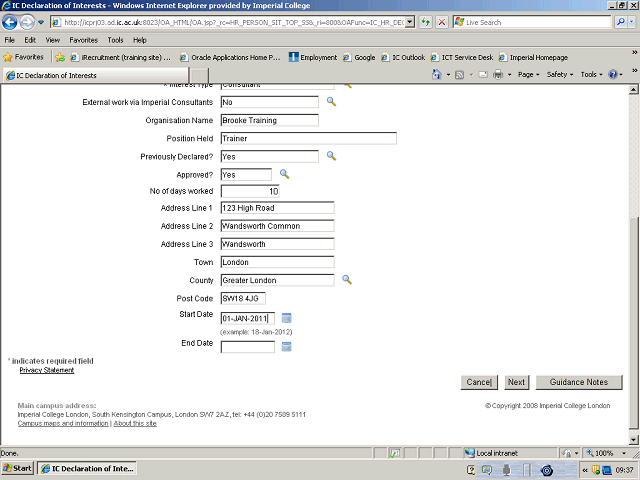
Click in the End Date field and enter the date your position is due to end (if applicable), in the following format DD-MM-YYYY.
Alternatively, click on the Calendar button and select the date from the calendar.
Next Step
Table of Contents Topic Overview Press Alt + Left Arrow to return to the previous page