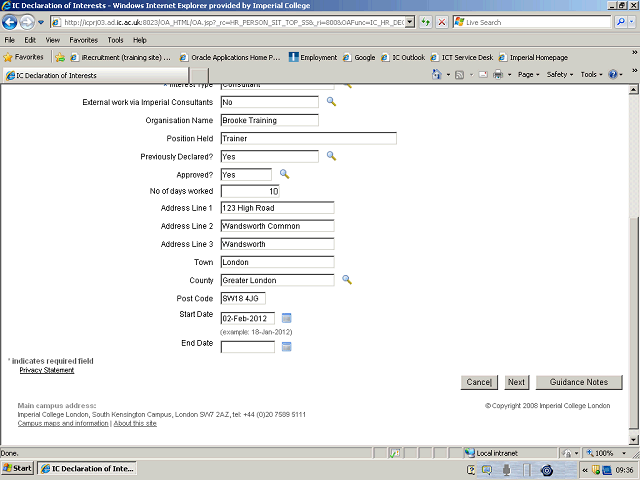

The start date relates to the current return period. If your start date is prior to, or the 1st January of the current return period, please enter 1 January YYYY. If your start date falls within the current return period, please enter the relevant date.
The date should be entered in the following format, DD-MM-YYYY.
Alternatively, click on the Calendar button and select the date from the calendar.
Please note that the start date field will default to the date you are completing your return.