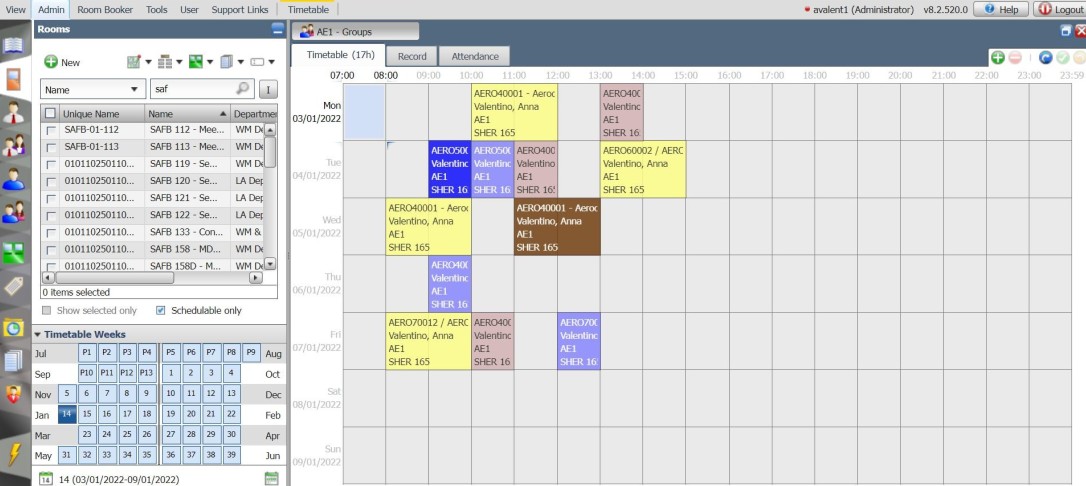
IMPORTANT: Before signing for the class please ensure you have completed the Write access permissions form and it has been authorised by your departmental timetabling contact. Once the form is submitted an automatic email will be send to your departmental approver for approval/rejection. Please only sign in to the class once you know you have been granted access to Celcat.
The training will be hosted in a computer room, but if you wish to bring your own laptop/pc you are welcome to do so.
The class content covers
- Adding new events
- Editing existing events
- Segmenting and Splitting events
- Deleting events
- Filtering resource data using the filtering functionality
- Finding events via the Event ID
- Understanding the Clash Checker functionality
- Duplicating and/or moving events
- Usage charts – using them to see your departments rooms and their availability in specified weeks
- Using the room adviser functionality to find free space rooms in other departments
- Emailing room requests via Celcat or completing departmental room request forms
IMPORTANT BOOKING INFORMATION
To book training please go to ICIS – My Training and search for the course by name.
Under the “My Training” section: Please ensure that the Search Bar is set to ALL or Class NOT Course. If you have any problem in signing in to the class in ICIS please email the Central Timetabling Support Office at timetabling@imperial.ac.uk