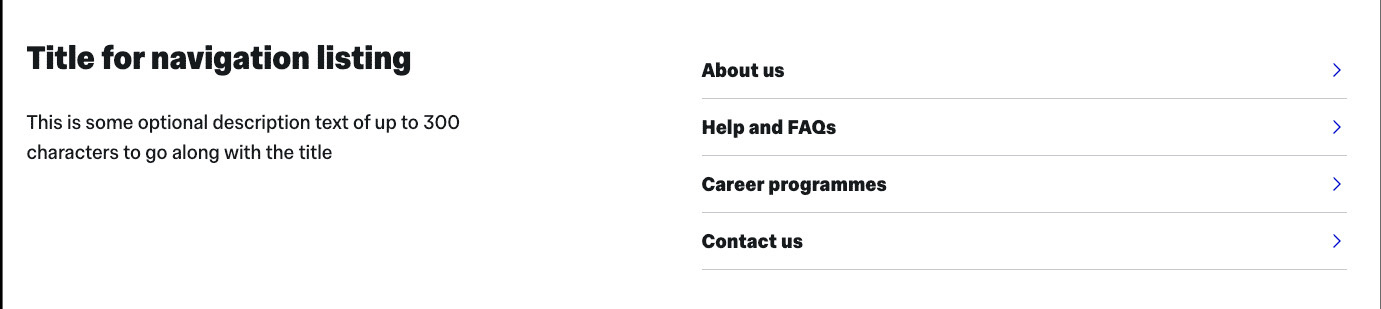
The 'Landing page navigation listing' gives you a way to include an automatically generated navigation menu of the child pages within your site. It also features a title and an optional description text field.
This automatically generated navigation menu works in a very similar way to the automatic 'In this section' menu that displays at the top right on standard content pages.
Note that you can't edit the links that appear - they will include all visible child pages under your parent folder in the order they appear in T4, and any hidden sections will not display. If you want to change the order, read the guidance on how to reorder pages in your navigation.
Instructions
How to add a Landing page navigation listing to your landing page
How it looks